
SkyUI v5.1
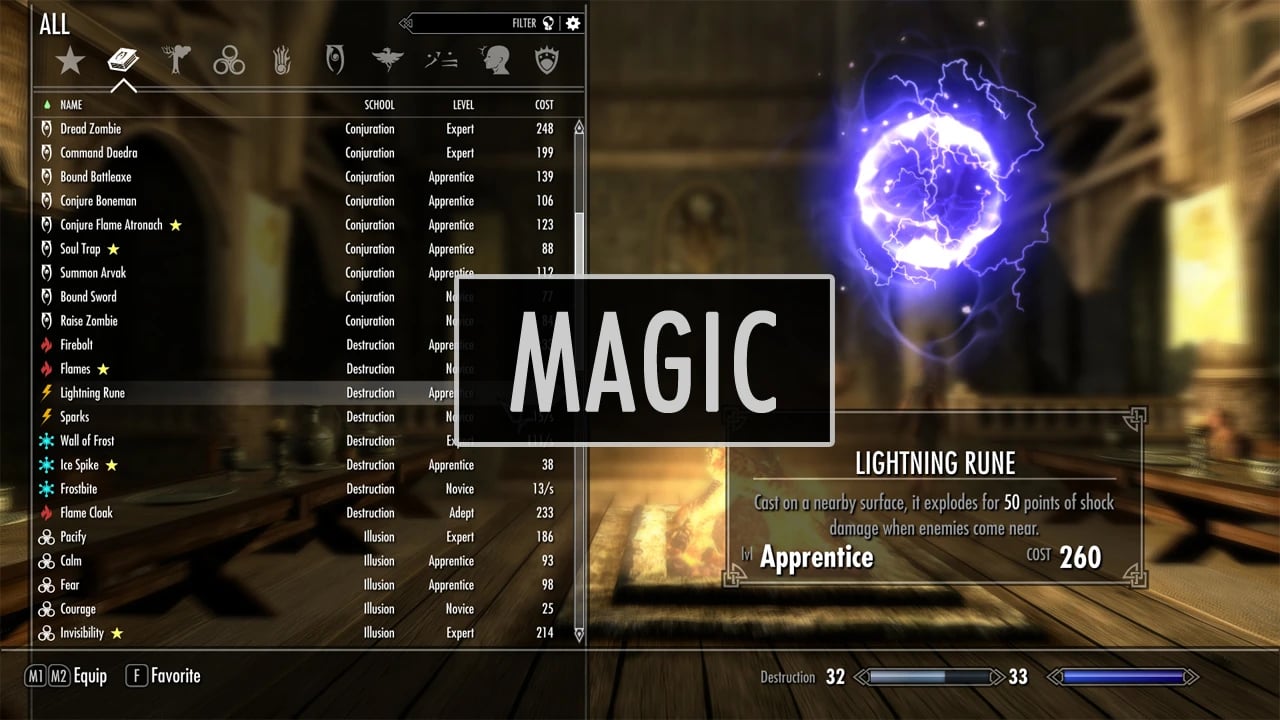
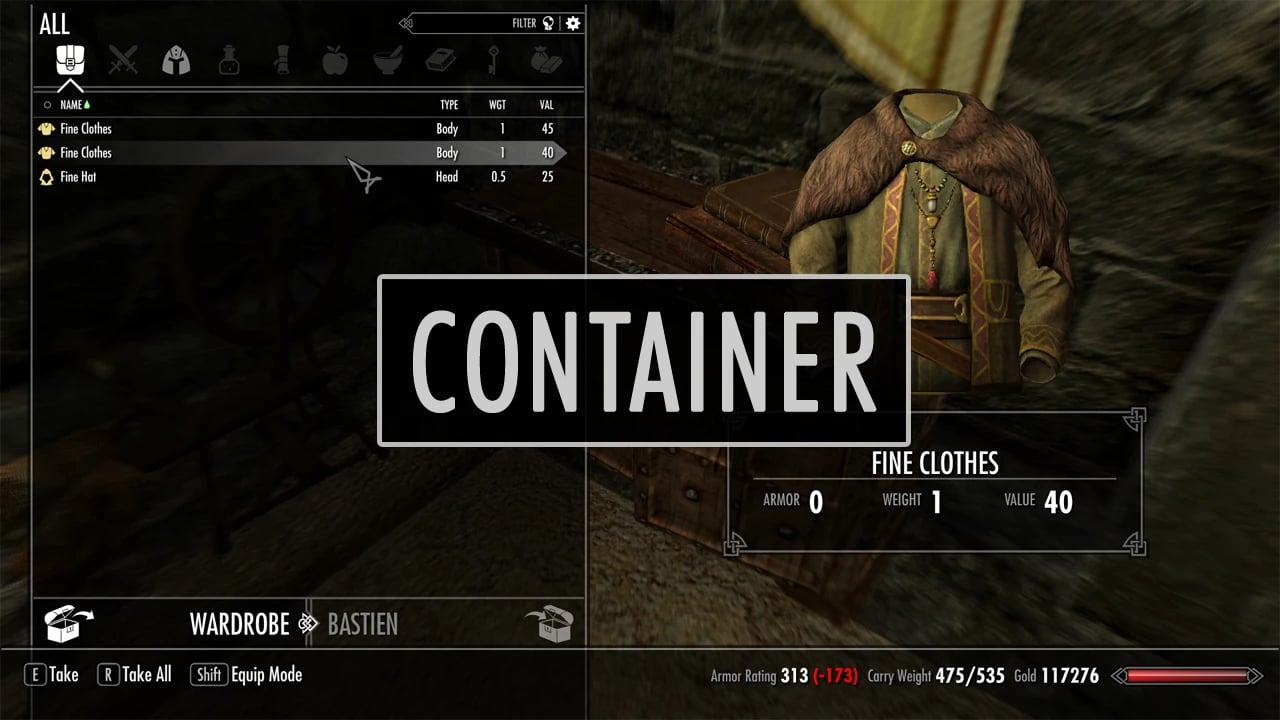
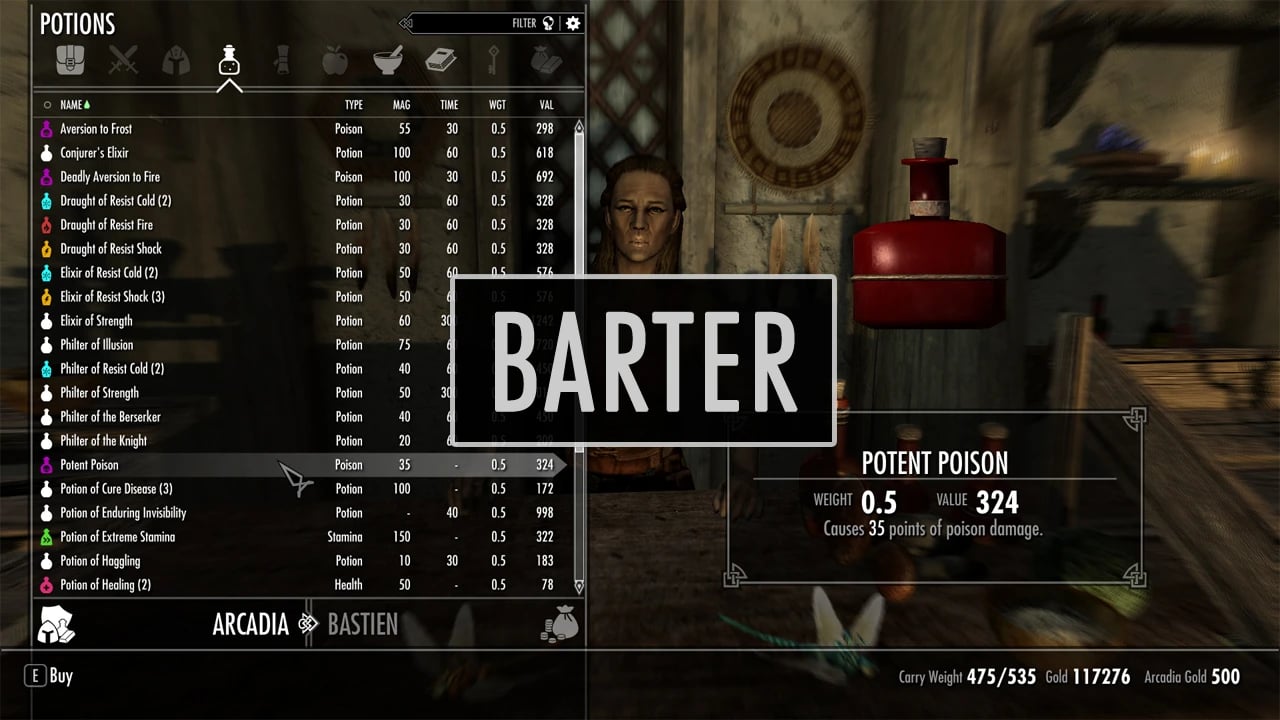
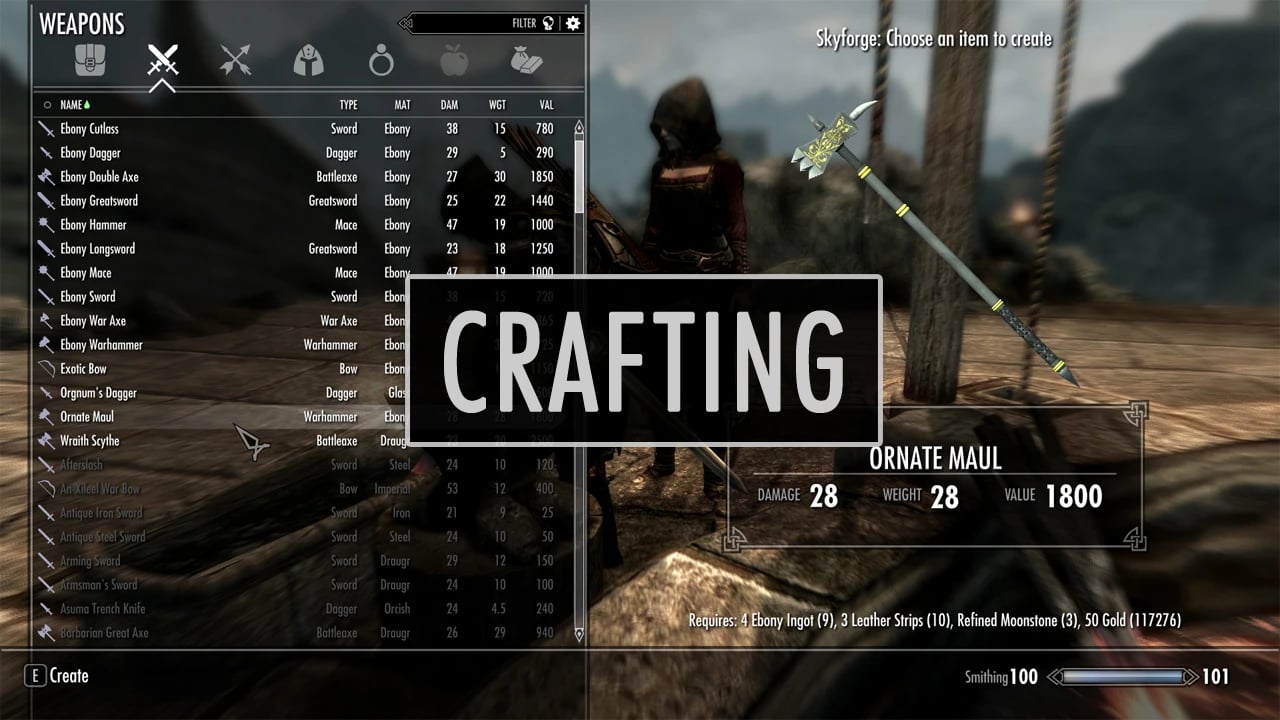
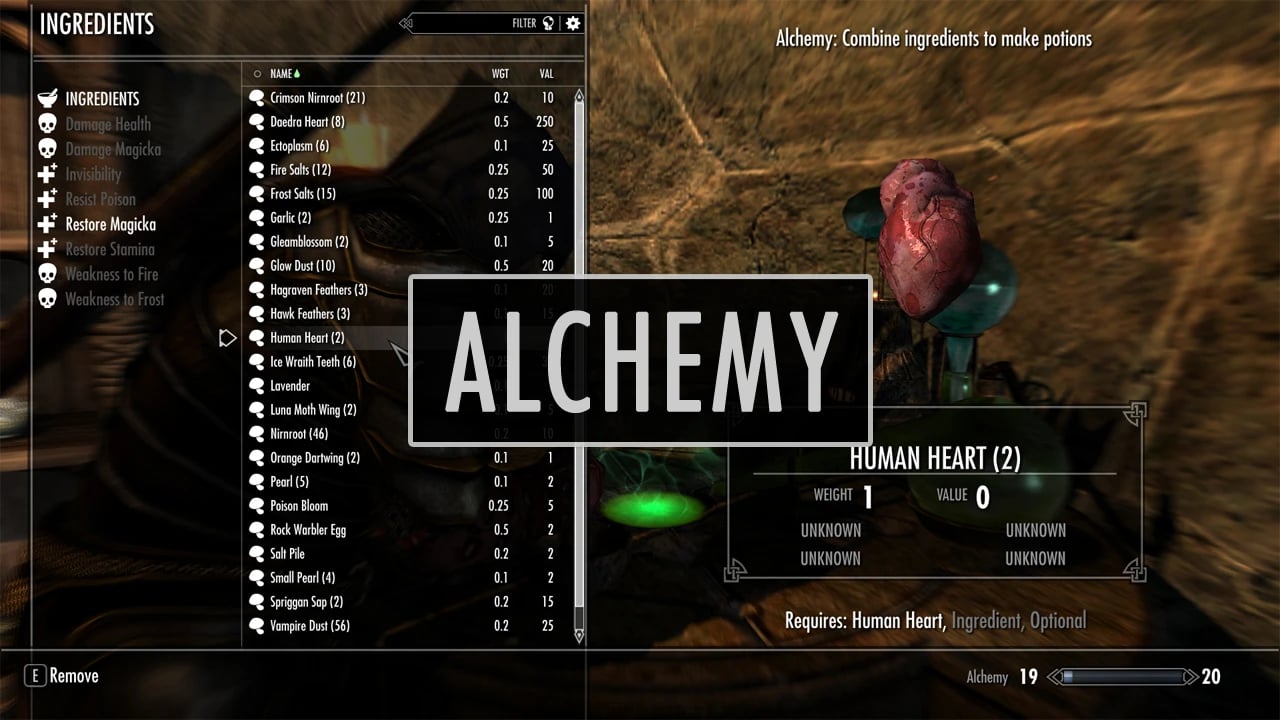
SkyUI is an elegant, PC-friendly UI mod for Skyrim with many advanced features. Version 5 includes better crafting, enchanting, alchemy and smithing menus, along with several other enhancements.
YOU NEED: Skyrim Script Extender (SKSE)
Features
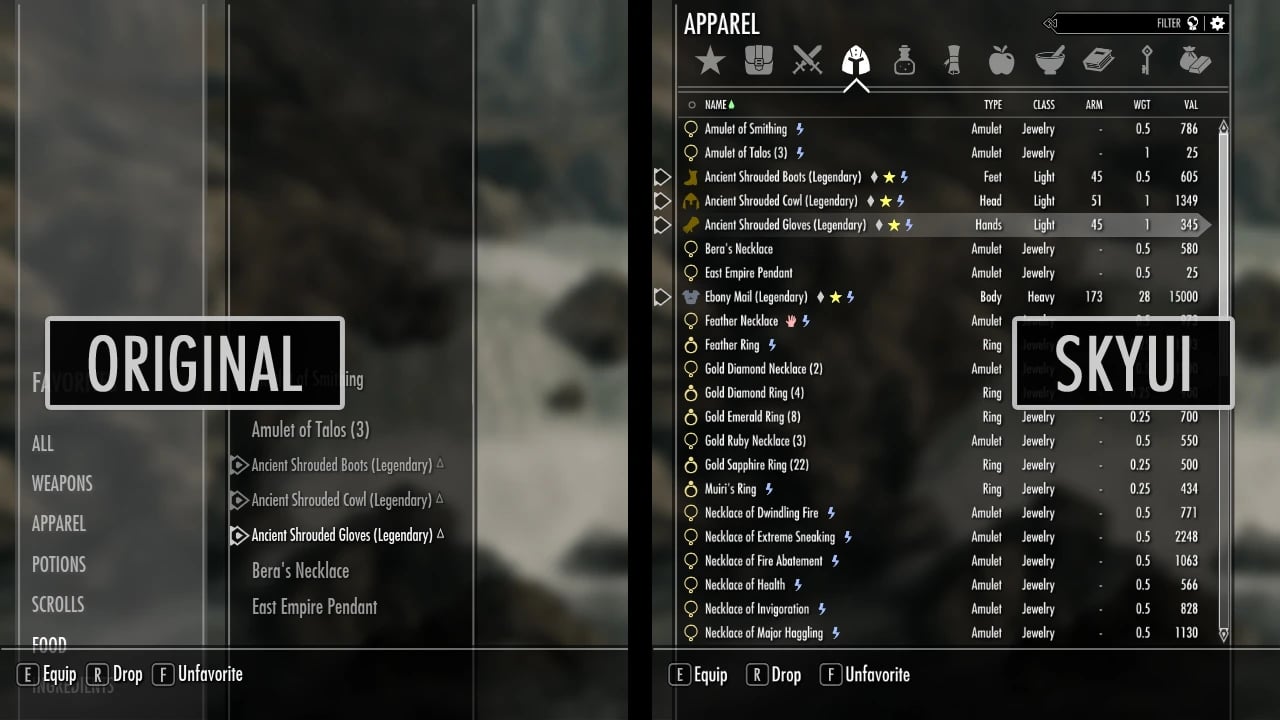
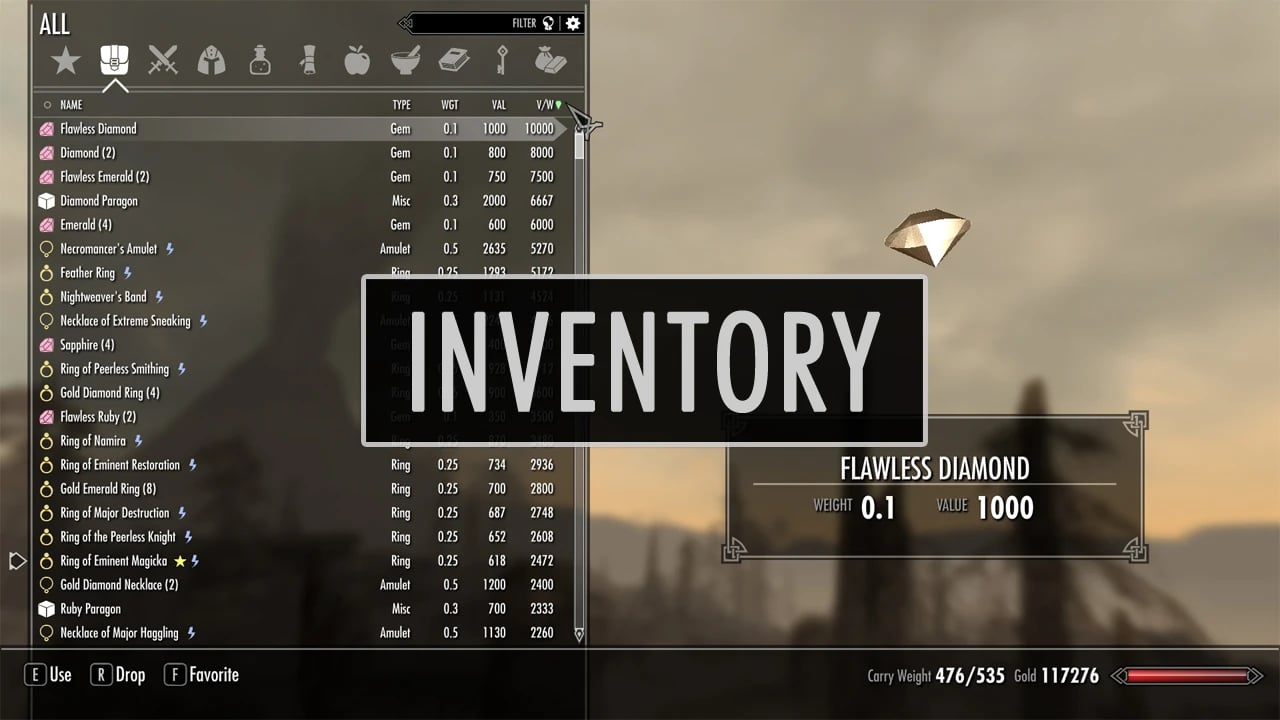
- Convenient inventory management with a feature-rich panel that supports full-text search, sorting and extended data columns.
- Version 5 extends this to all menus, including crafting, enchanting, alchemy and smithing.
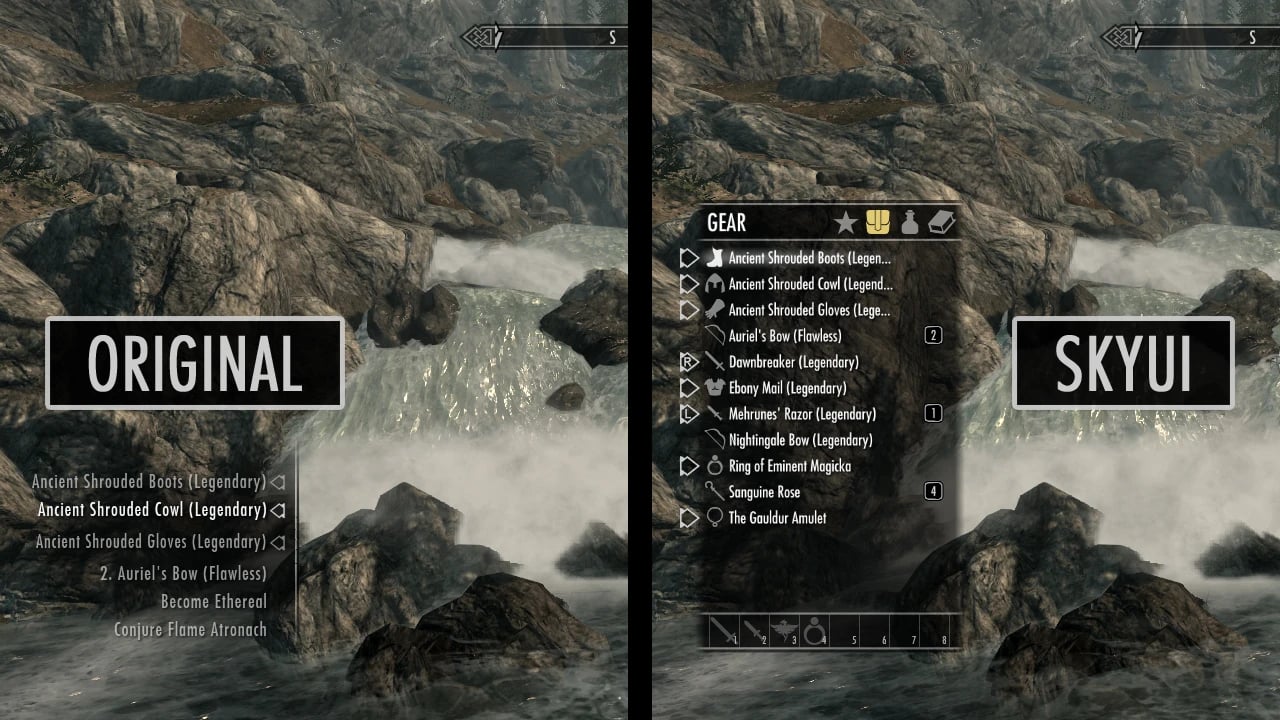
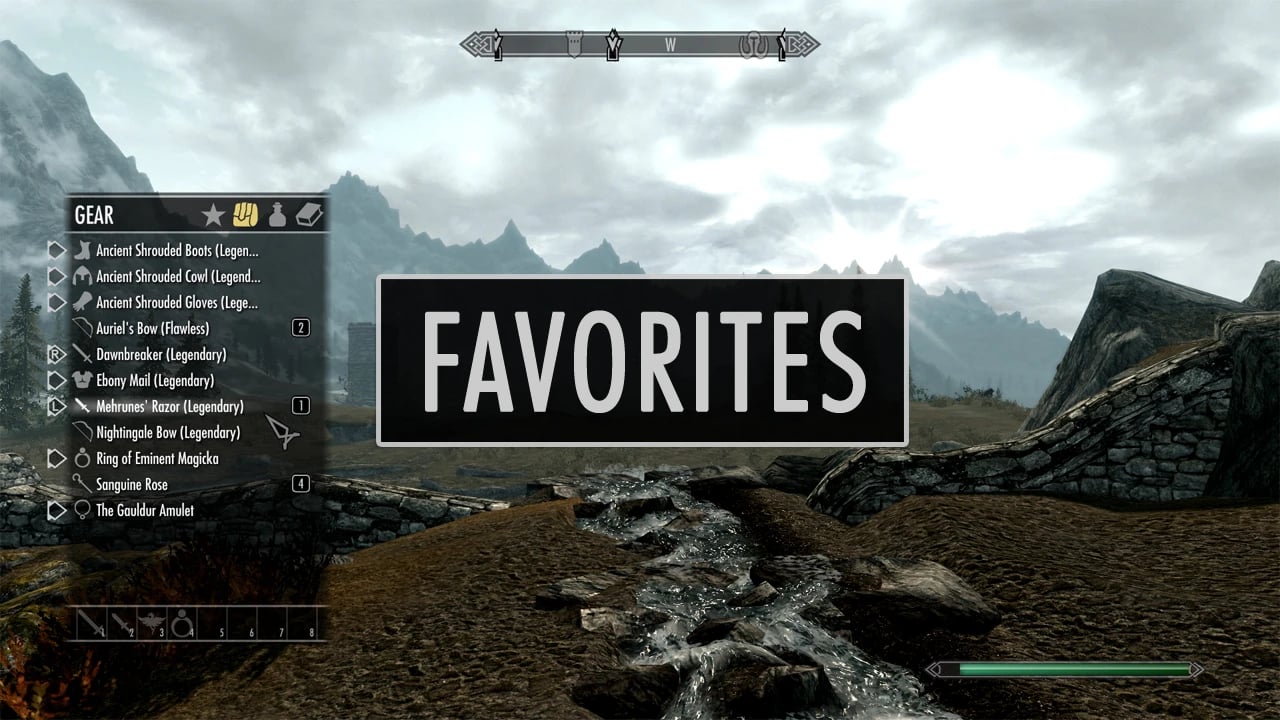
- A powerful, categorized favorites menu that preserves the original idea of a fast, non-intrusive way to access essential items. Eight customizable hotkey groups support playstyles that were previously tedious to use.
- The Mod Configuration Menu (MCM) supports user-friendly in-game customization. It is also used by hundreds of other mods.
- Full-text search and highlighting of discovered locations on the map.
- Active effects are displayed directly in the HUD instead of requiring constant access to the magic menu. The display is highly customizable.
- Gamepad support, with intuitive and efficient keyboard navigation.
- Multi-language support for English, French, German, Italian, Spanish, Russian, Polish, Czech and Japanese.
Specifications
- Version 5.
- Eight customizable hotkey groups.
- Support for 9 languages: English, French, German, Italian, Spanish, Russian, Polish, Czech and Japanese.
Installation
STEP 1: Install the Skyrim Script Extender (SKSE)
- Install SKSE.
- Required SKSE version is 1.7.3 or newer.
STEP 2: Install SkyUI
Option A – Nexus Mod Manager (NMM)
- Click the Download (NMM) button on top of this page.
- Activate SkyUI in NMM.
Option B – Manual Installation
- Locate the
Data/folder in your Skyrim installation directory. Typically it is found atProgram Files/Steam/steamapps/common/skyrim/Data/. - Extract the contents of the downloaded archive file to your
Data/folder. - In the Skyrim Launcher, select Data Files and enable
SkyUI.esp.
FAQ
Questions about anything? Check out the FAQ.
Troubleshooting
Did you run into a problem? Have a look at the Troubleshooting Guide.
Documentation
Are you a mod author interested in using MCM? The Documentation explains how it works.